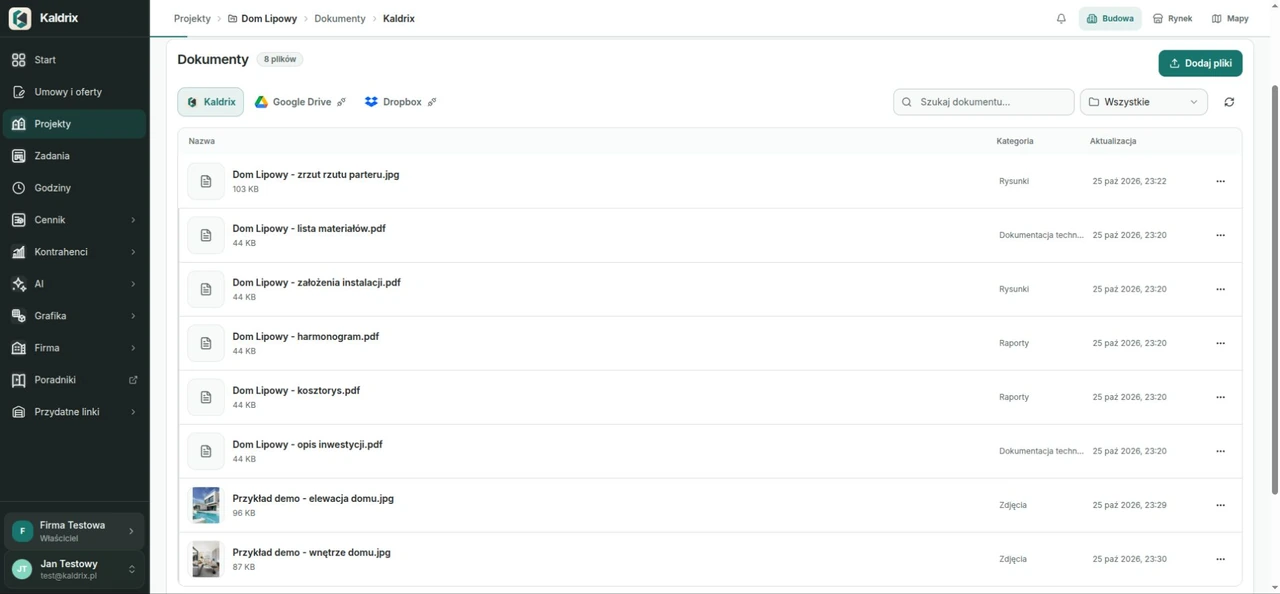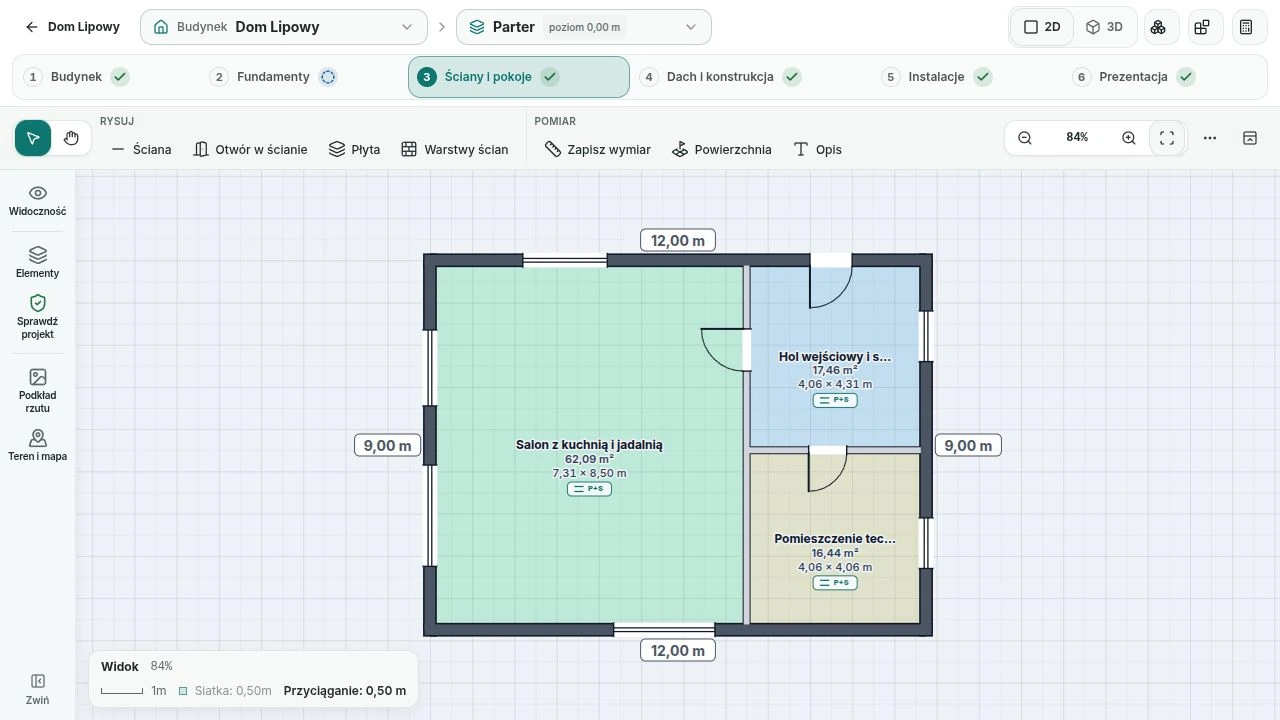
2D floor plans
Arrange floors, rooms, walls, doors and windows. Dimensions and geometry help you prepare the scope of work.
Tools for the whole build
Draw the building, measure the work and prepare an offer. Then keep the schedule, documents and decisions with the same project. Keep each stage of work with the same building and agreed scope.
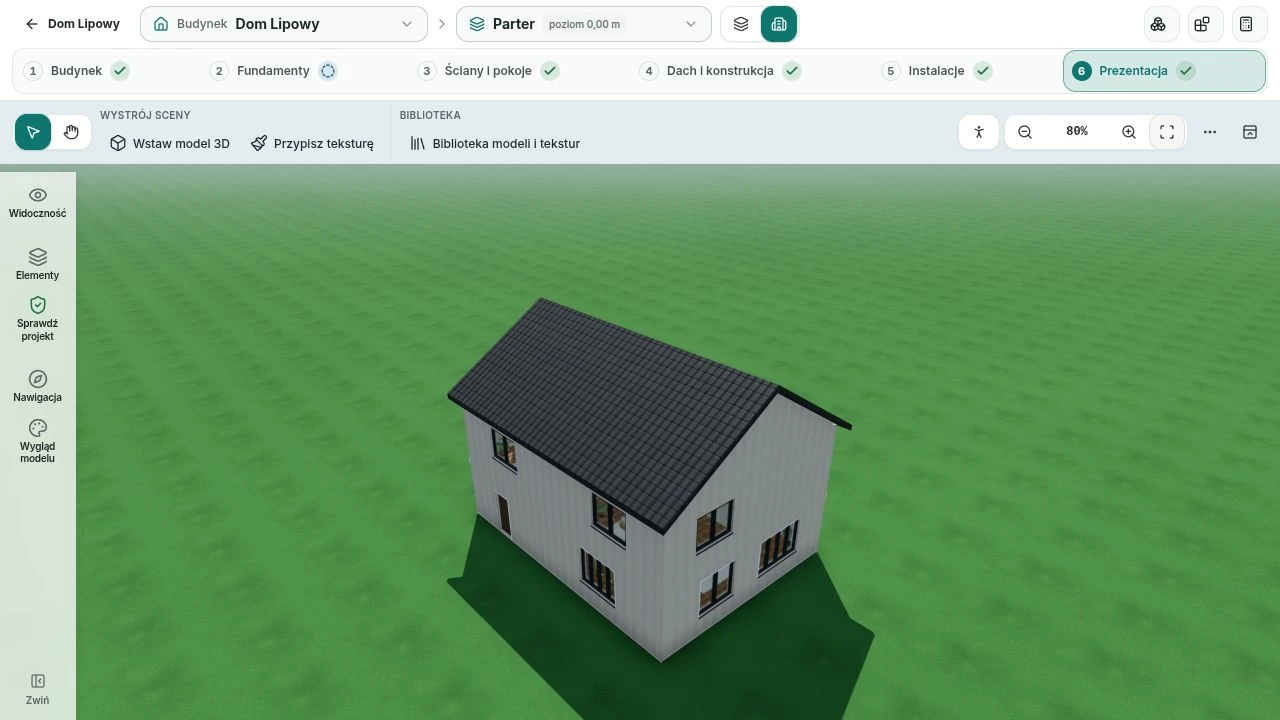
See what you are building
Work with rooms and building elements. The floor plan helps arrange the space, while the 3D model shows how the parts fit together.
Arrange floors, rooms, walls, doors and windows. Dimensions and geometry help you prepare the scope of work.
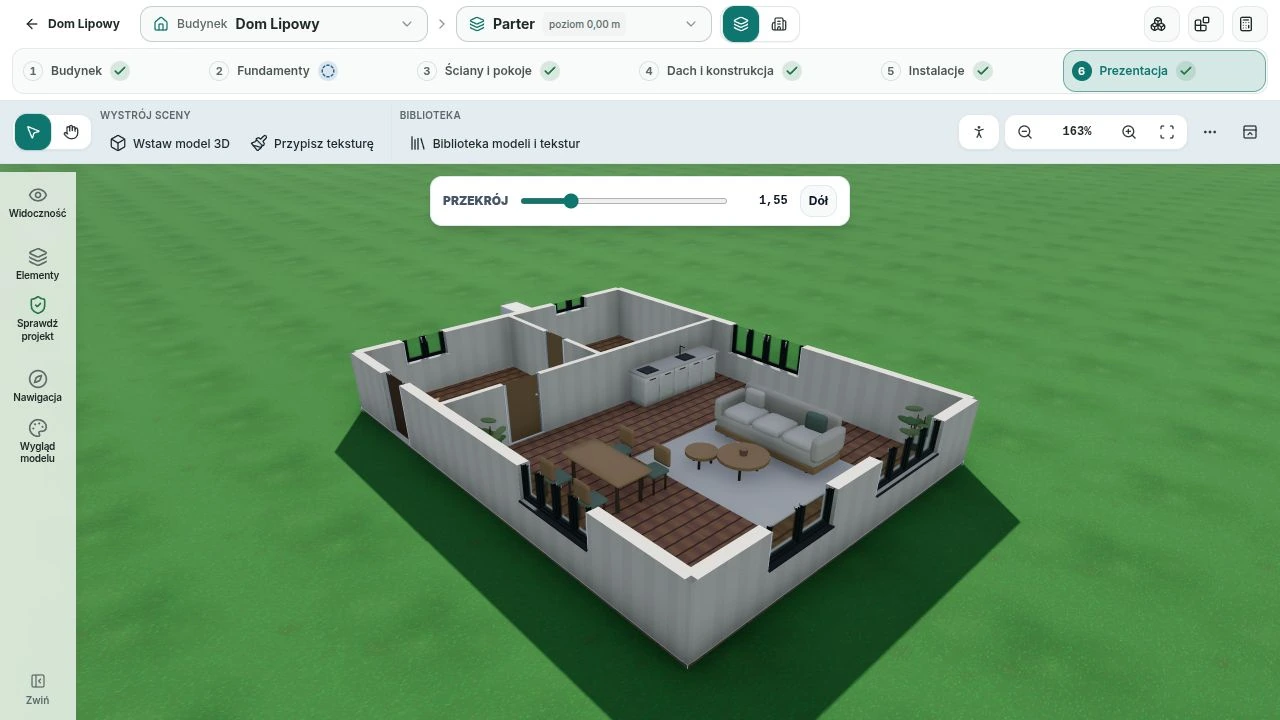
Place furnishing models and surface materials to present the room layout. Scene decoration does not change the estimate.
Linden House · installations
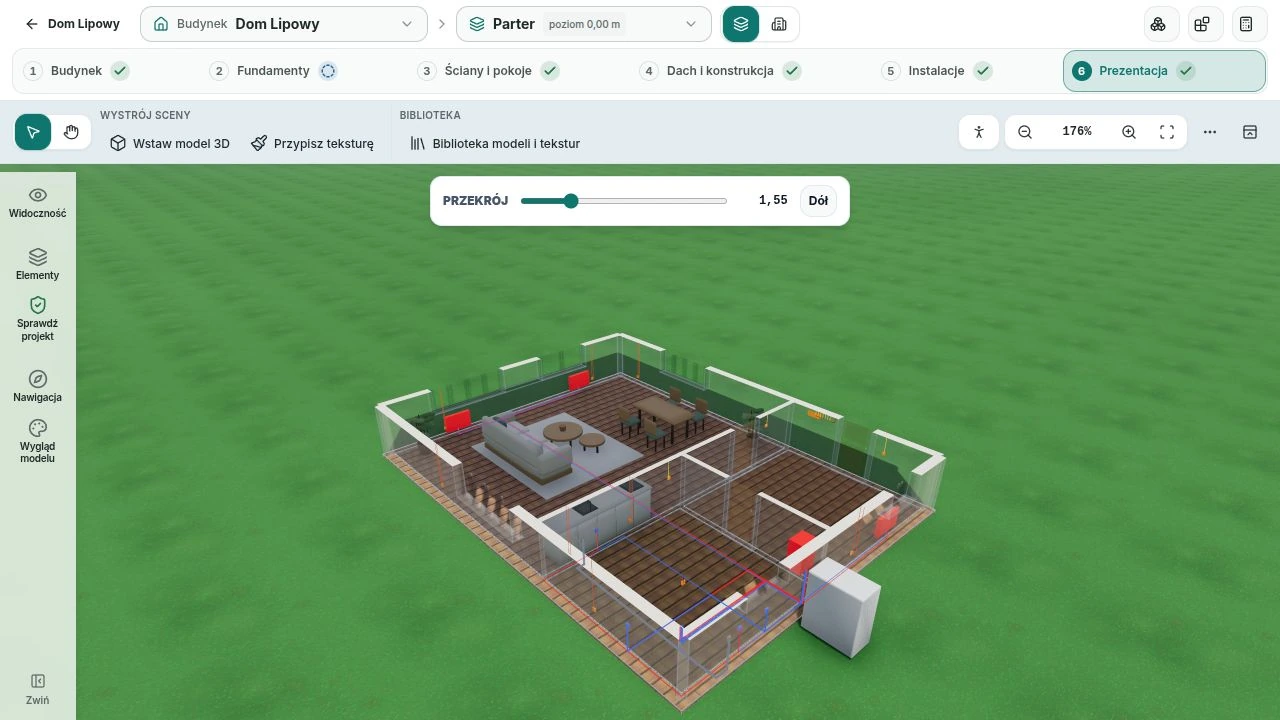
The Linden House example shows electrical, water and heating points and circuits in one model. Check their position within the rooms and switch back to the floor plan.
From quantities to prices
Combine quantities with materials, labour and your price list. Prepare a customer offer from the agreed scope without copying figures between documents.
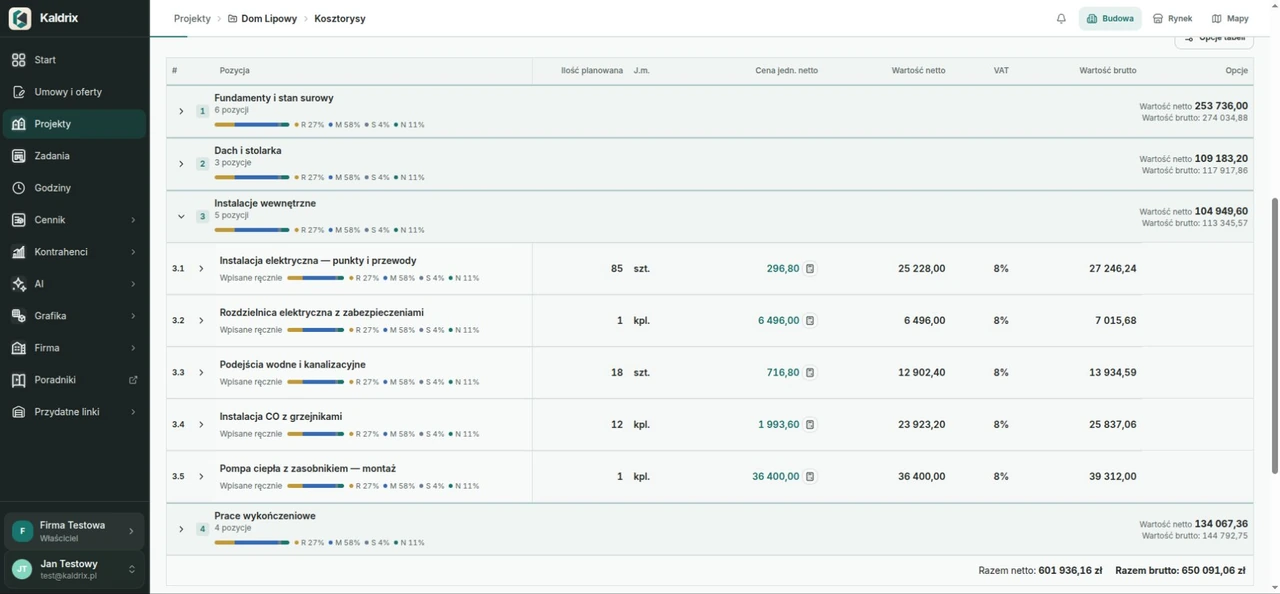
Organise items into sections. Select materials and services, then check quantities and costs. Your price list helps keep estimates consistent across jobs.
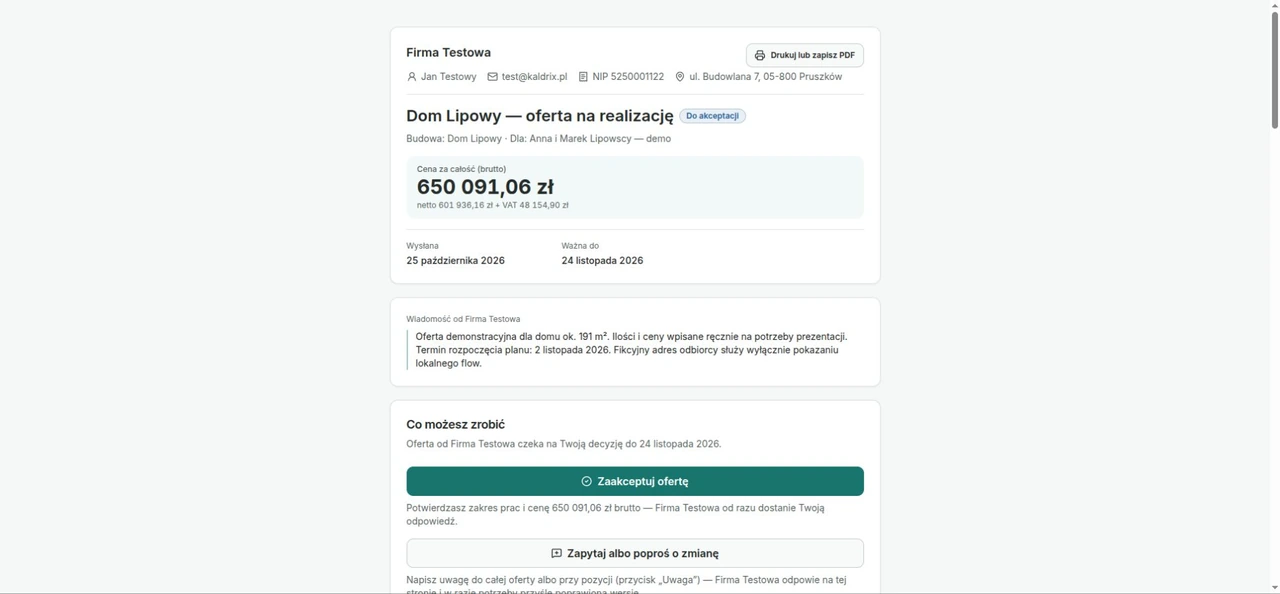
Choose items from an estimate and prepare an offer. Share it by link, email or in a Kaldrix Marketplace conversation.
Linden House shows the estimate layout with example quantities and prices entered manually.
Company, crew and customer
Give people the right access to a project. Shared tasks, stages and documents help keep decisions in order without searching through separate conversations.
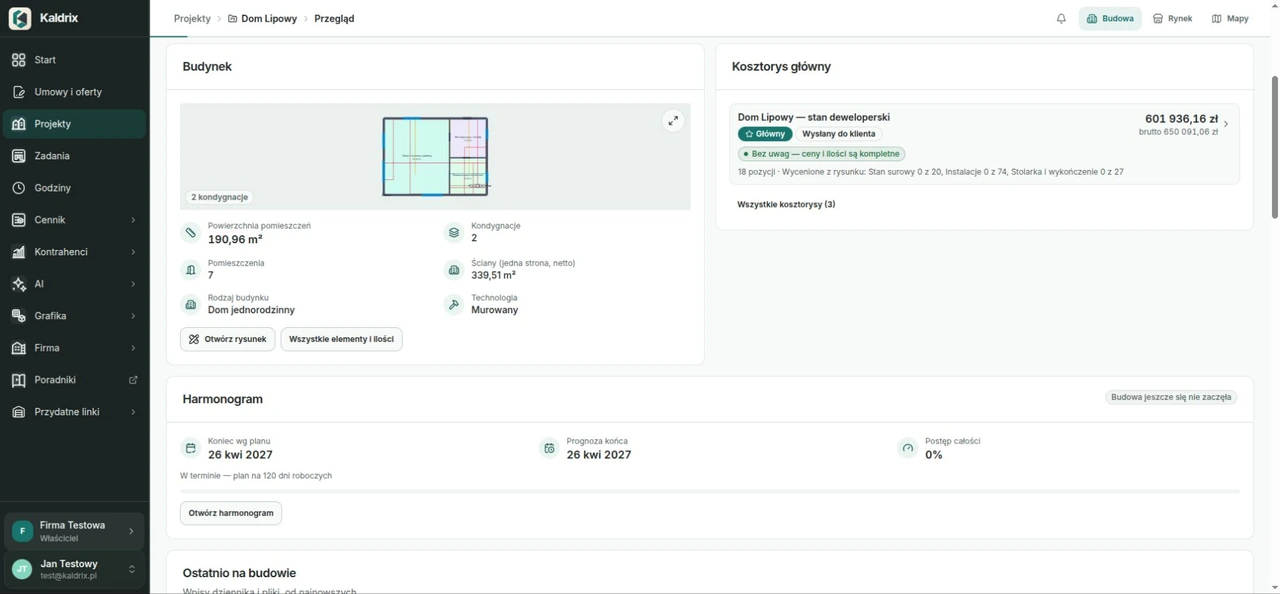
Invite people and choose their permissions. Organise tasks on boards, assign people and follow progress.
Break the build into stages. Set dates, follow progress and record crew working hours. Prepare a PDF schedule when you need one.
Share a project view intended for the customer. Keep important progress information and decisions together.
Organise contracts, scope changes and acceptance records. Track defects that need fixing and keep warranty information.
Keep the project in order
Connect files, contacts, materials and payments to your project. Choose a plan for your own build or company work and use the tools you need.
Keep files with a project and organise them in folders. Link documents to the work they concern.
Maintain company contacts. Assign a customer to a project and reuse their details in offers and settlements.
Organise invoices downloaded from Poland’s KSeF system and records added by hand. Assign them to projects, track payments and compare costs with the plan. Kaldrix does not issue KSeF invoices.
Prepare material summaries and shopping lists for a project. Use your own price list and estimate data.
Keep documents and matters that need attention. Record work progress and add photos. These notes do not replace Poland’s legally required construction log.
Turn selected estimate items into a job listing. Talk to the other party and share an offer in the context of the work.
ChatGPT and Claude plugins
Connect a supported assistant to Kaldrix. Keep plans, quantities, estimates and files with the same build. Review the result before using it in your work.
Ask to add a partition, door or window. View changes saved through the plugin in the floor plan and model of the same project.
Check work quantities, find unpriced elements and prepare an estimate using your own price list.
Check delayed stages, record progress and find project documents. The assistant uses the access you grant.
Where to start
You do not need to describe the whole company on day one. Start with the project you return to most often.
Name the build or renovation and describe its scope. Add the location and basic details so you can return to the decisions.
Draw the elements you need or start with estimate items. Check quantities, units and prices before preparing an offer.
Add schedule stages, plans and photos. For company work, invite colleagues and choose their access.
No. You can start with the work scope, a few estimate items or project documents. Add a drawing when you need one.
No. It helps with planning and organisation. It does not replace required documents or checks by qualified professionals.
Access depends on the person’s role and shared projects. Match it to their work; private files and price information may have different access rules.
14-day trial, no automatic payments
Create an account, add a project and try the drawing, estimate and schedule during a 14-day trial. No automatic payment.
Tell us what your company or building project needs.