Choose an account for your work
A personal account is for your own build or renovation. A company account supports customer projects and crew work. Choose the account type during registration.
Creating an account does not start a paid subscription or an automatic charge. Check current terms in the app.
Start with a real build
Add a project and describe the work. You can move to a 2D drawing and 3D model, prepare estimate items or collect the first files. You do not need to complete every document at once.
Arrange stages in the schedule and keep decisions with the project. For company work, invite colleagues and match their access to the work they do.
- Name the build and describe the work.
- Add scope and quantities for the first estimate.
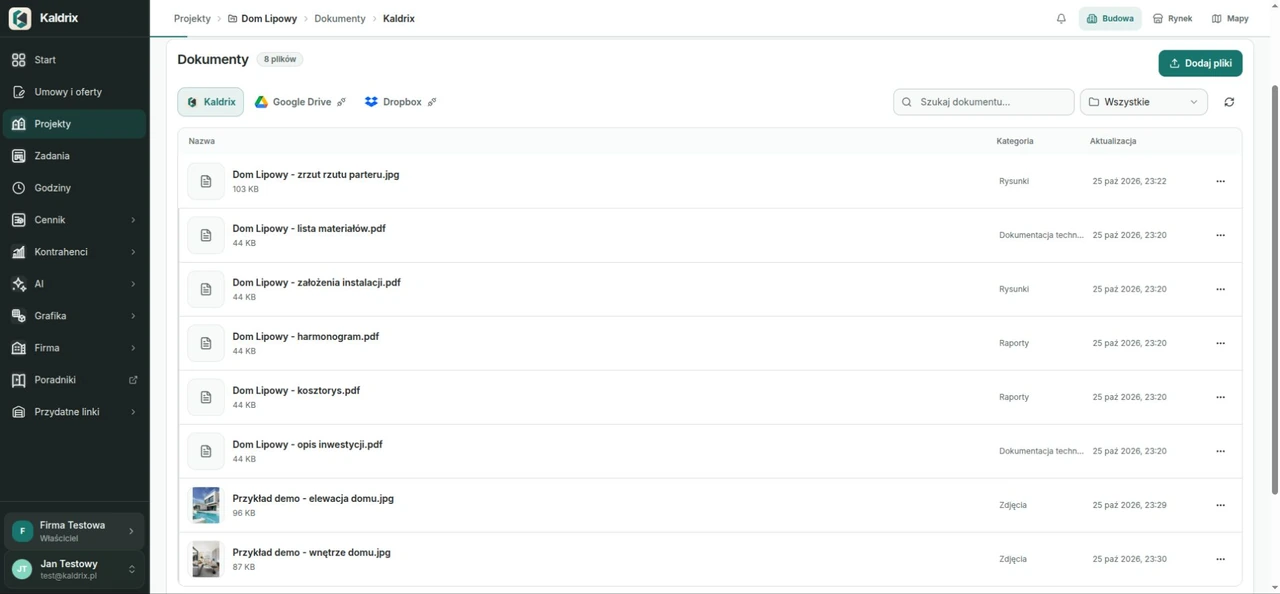
- Keep plans, photos and decisions with the same build.
Use the guides for your first project
The guides below explain how to describe an estimate scope, set dependencies between stages and name documents clearly. You can also use the steps on work already in progress.
Website images show example data. Check estimates, quantities and map information against your own building project before using them.
Choose an account, add your first project and try the app with real work. Registration does not start an automatic payment.